1 / 4
Finding
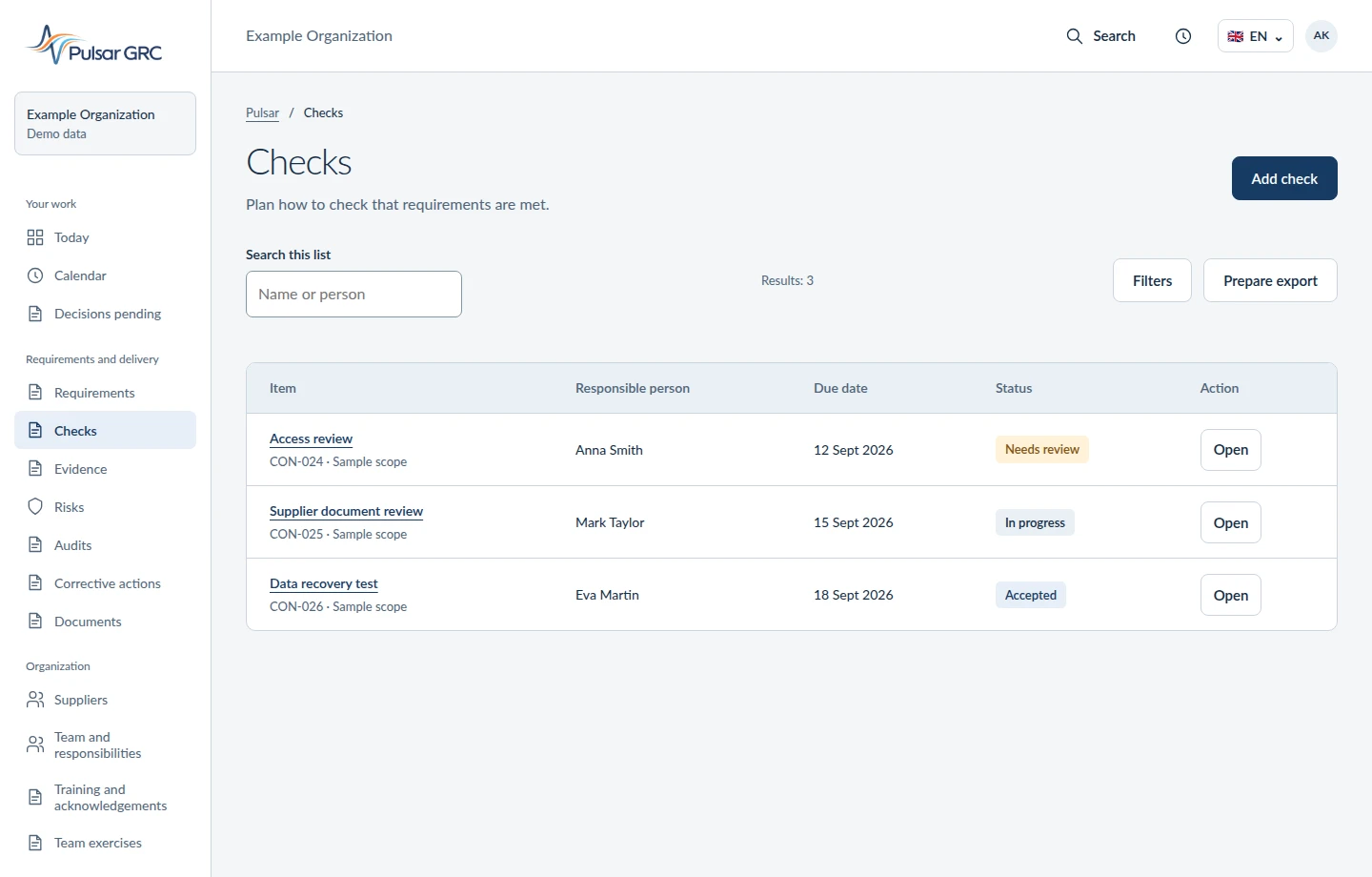
The audit finds no current supplier assessment. The auditor records what is missing and which requirement needs to be met. That gives the team a starting point.
Open this area of the appInteractive example with fictional data. This is not a screenshot of a live account.
One person carries out the action. Another checks whether it solved the problem. The example below shows what each person sees and records in Pulsar.

1 / 4
The audit finds no current supplier assessment. The auditor records what is missing and which requirement needs to be met. That gives the team a starting point.
Open this area of the app2 / 4
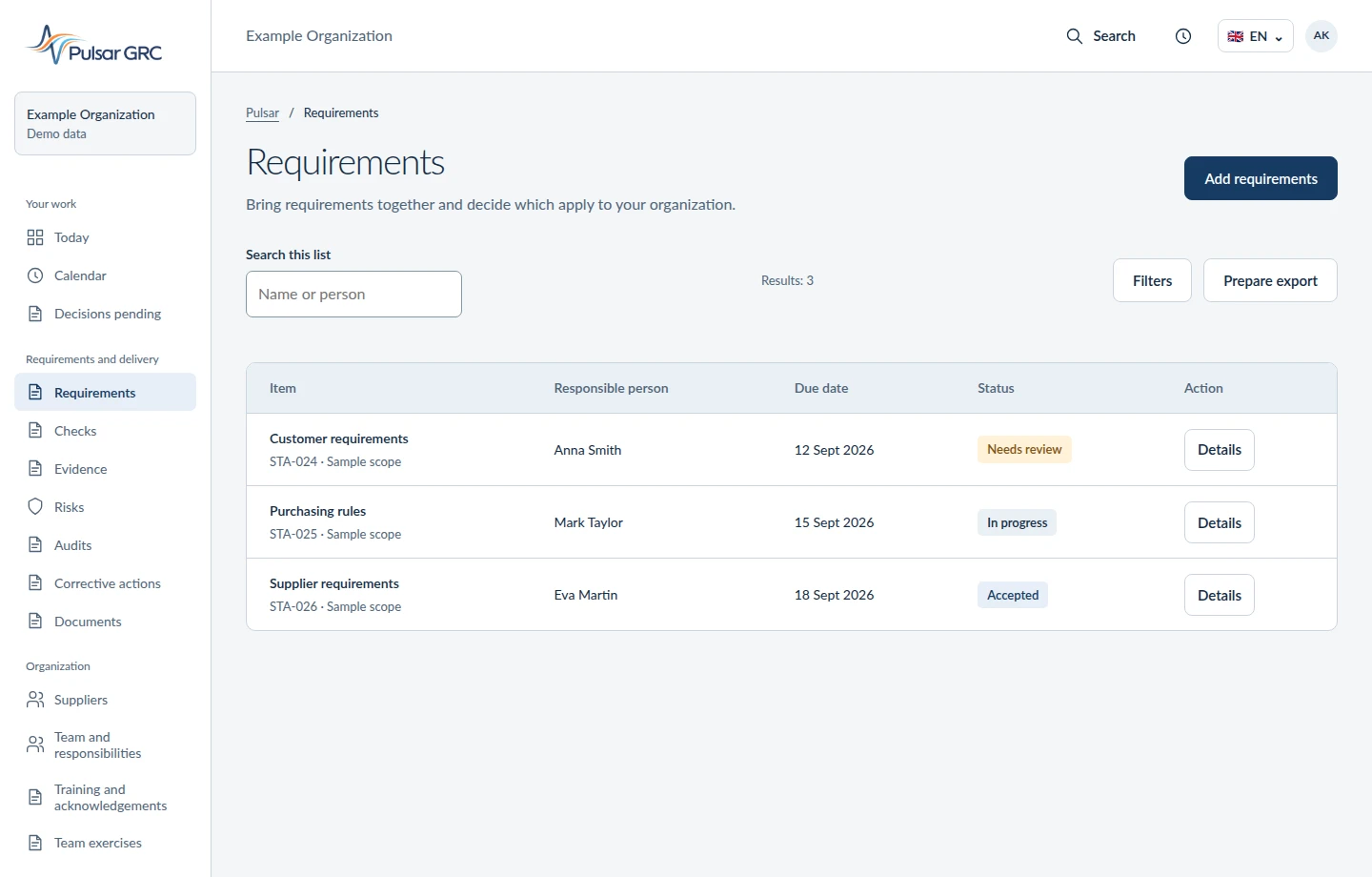
Anna updates the supplier assessment by the due date. The action includes the audit finding and the expected result, so she does not have to reconstruct the context from emails.
Open this area of the app3 / 4
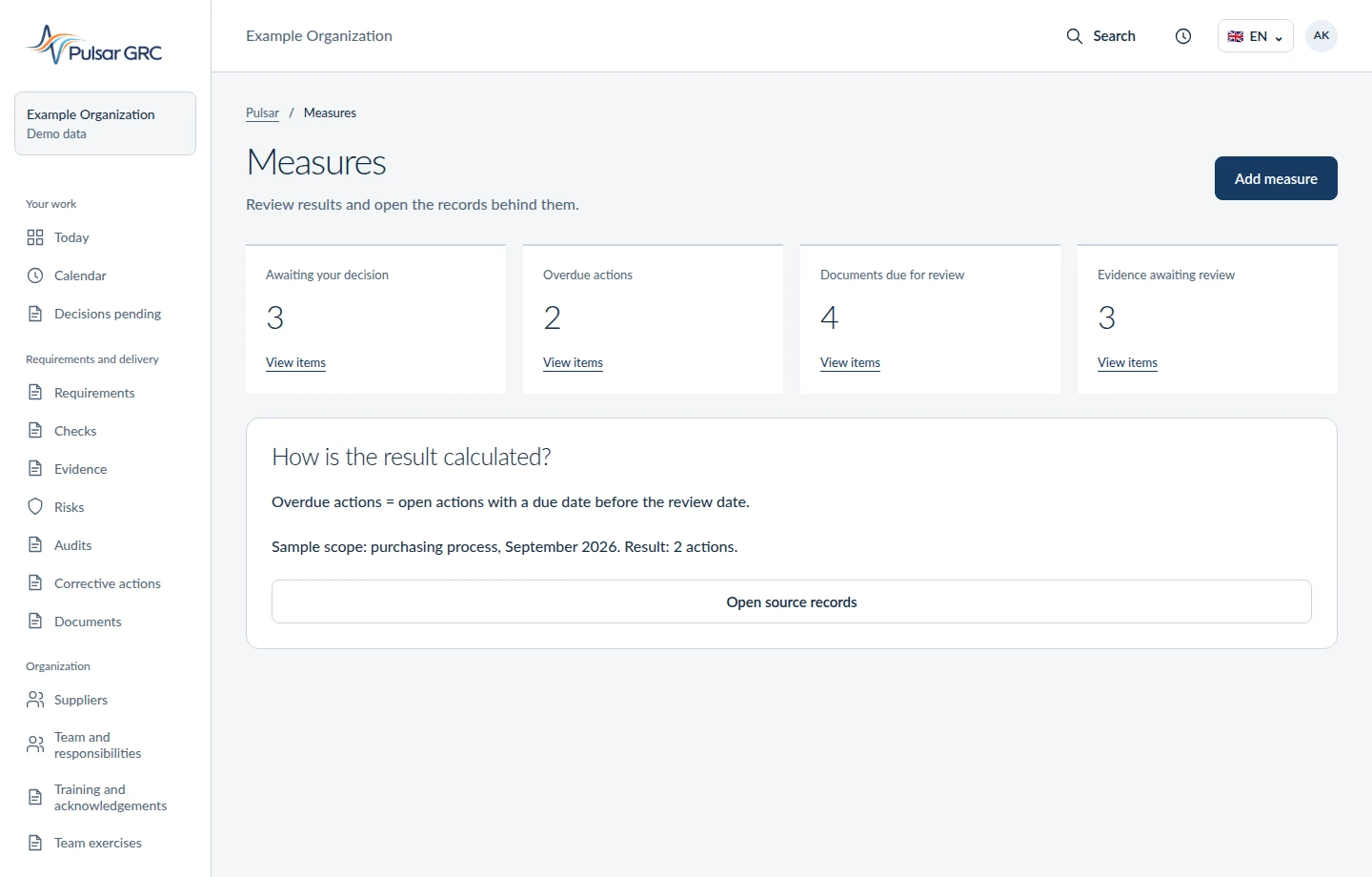
Anna attaches the supplier assessment and identifies its version. The document awaits review. Adding it confirms that the material was submitted, not that the action was effective.
Open this area of the app4 / 4
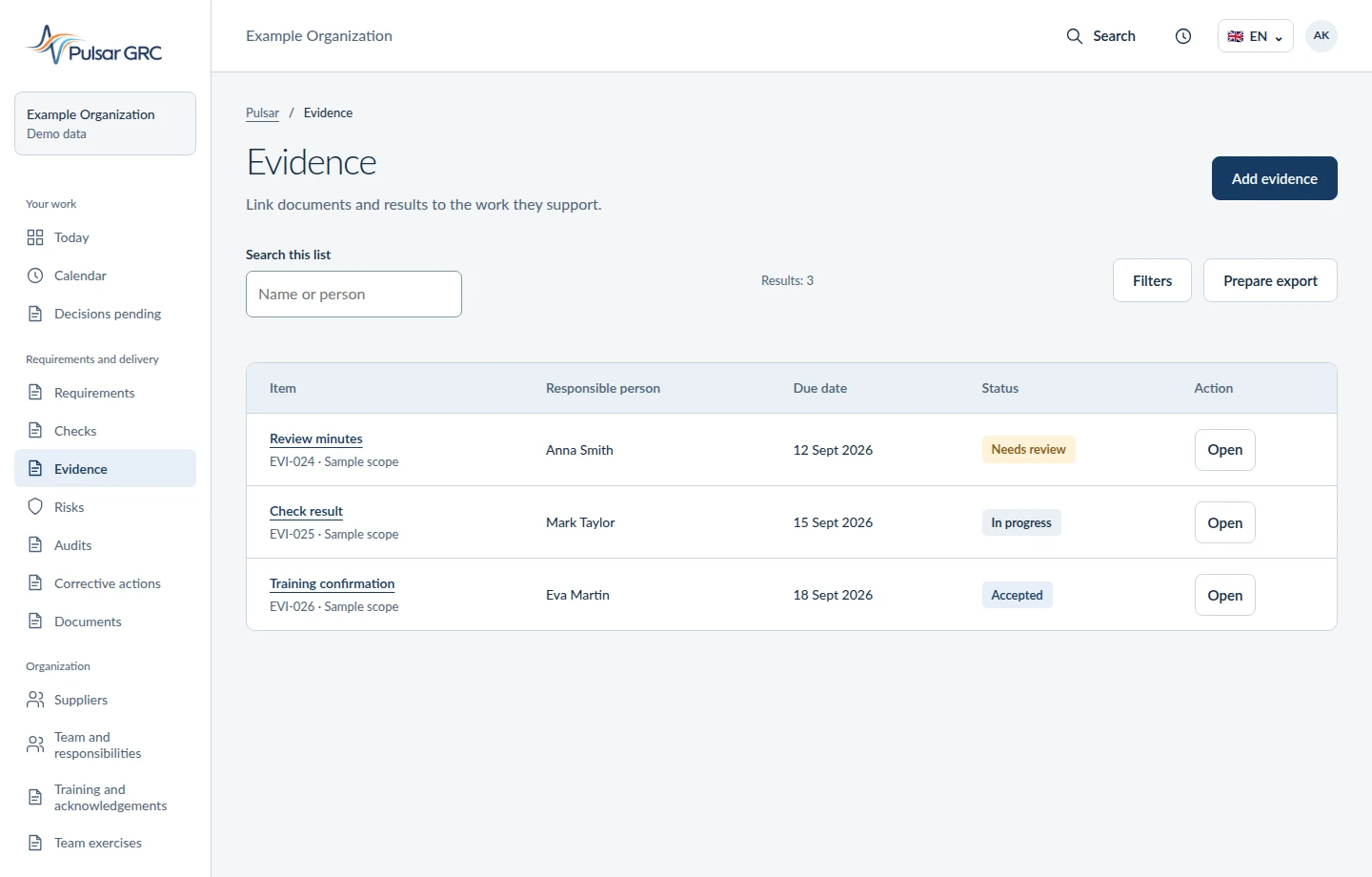
Mark reviews the document and assesses whether the action worked. He records the decision and its rationale. Missing evidence or an inadequate result sends the item back for correction.
Open this area of the app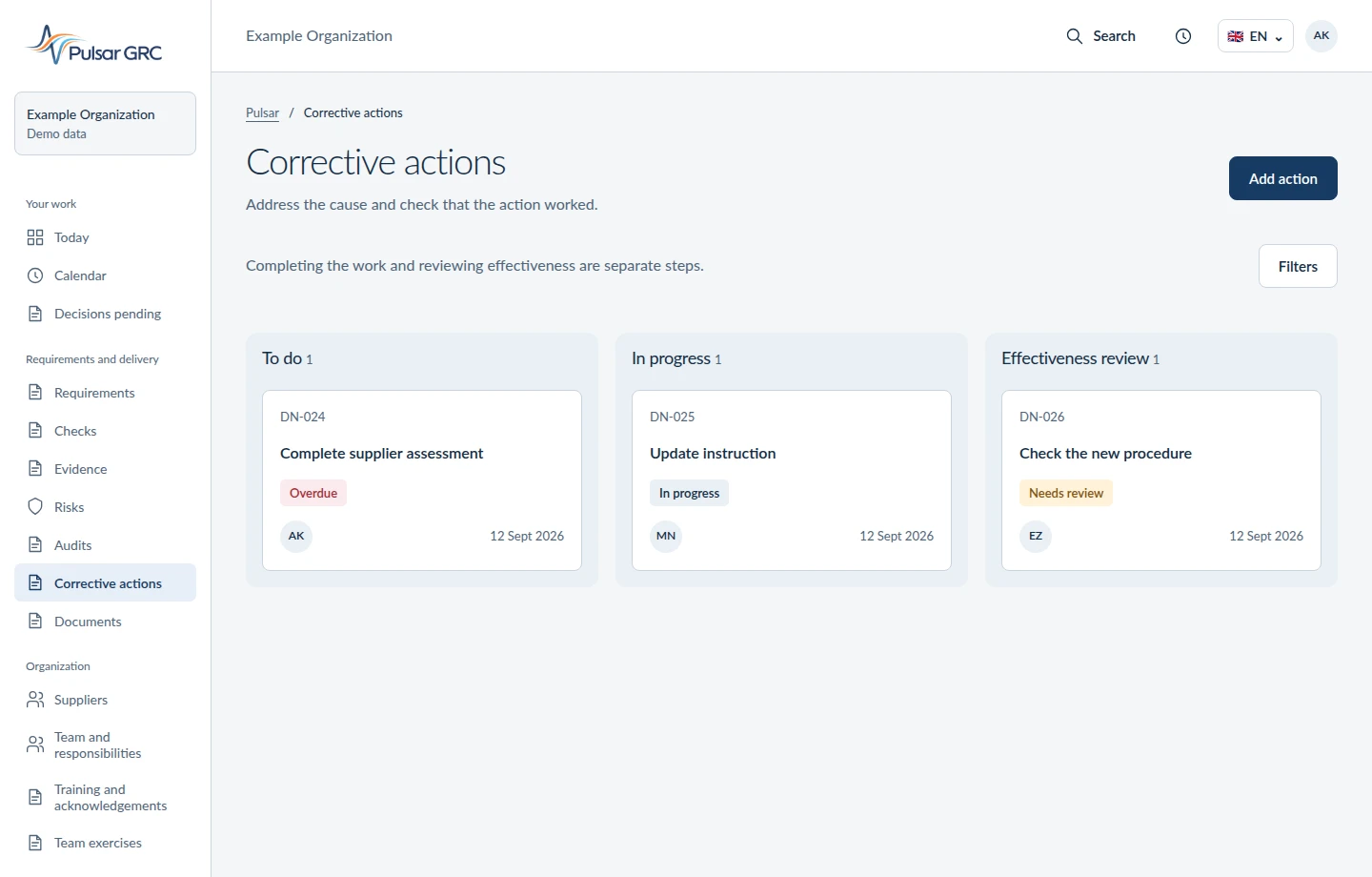
Review material is missing. Assign its collection, then check the documents and open findings.
An action moved from quality to purchasing. Keep the finding, due date and reviewer with it.
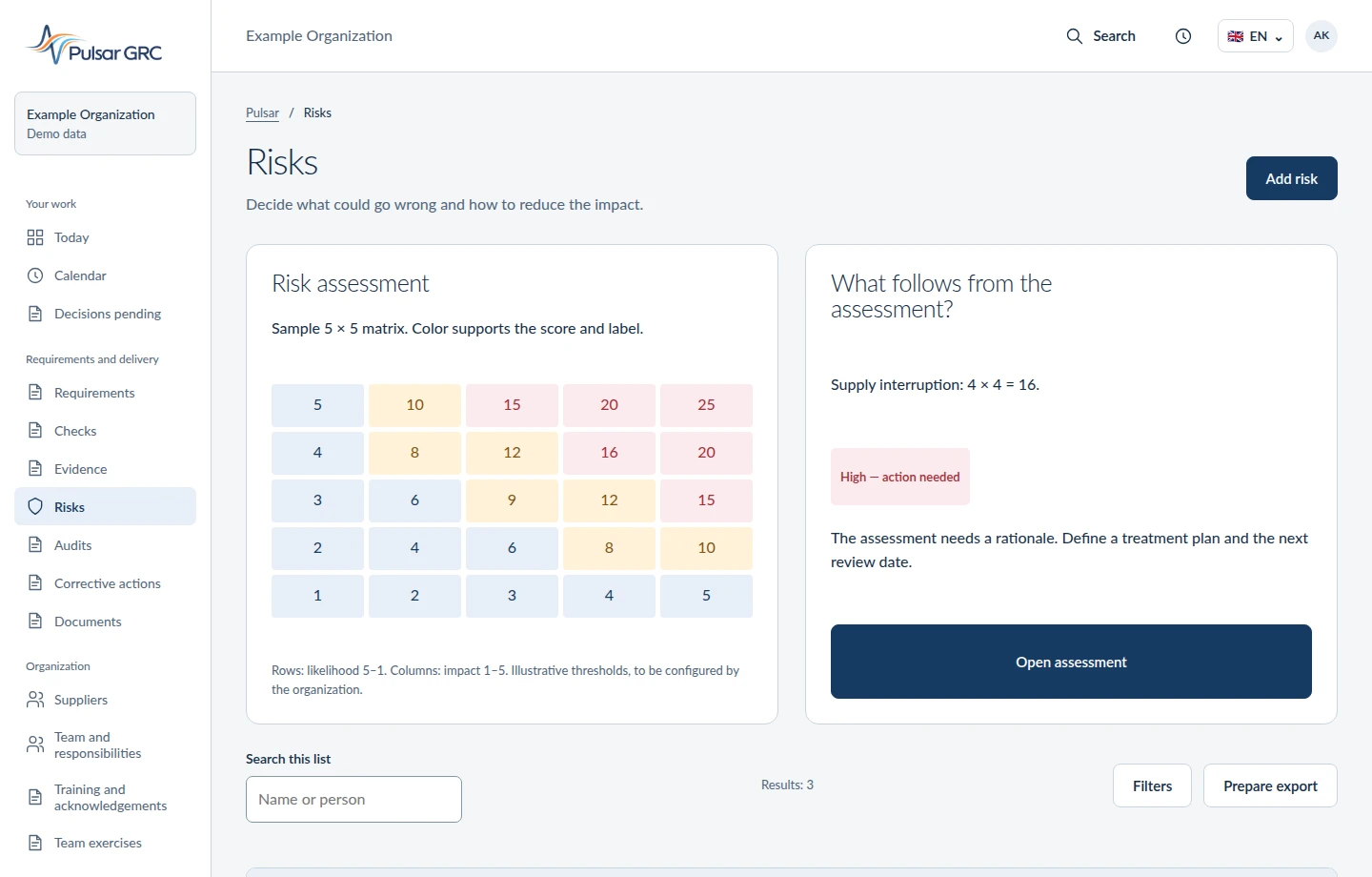
A risk is described but awaits a decision. Review the assessment and evidence before deciding what to do next.
A summary needs support. Open the records behind its figures and statuses.
Interface views with sample data. Open an image to see the details.
Describe it in the form. We’ll establish who does the work, where you record the result and what holds up the decision. Then we’ll show a relevant Pulsar example. Keep confidential documents with you.